A question we get asked a lot: "Which is better, a monitor mount attached to the rig, or a free standing version?" To get straight to the point: there is no right or wrong answer. Each solution has its own pro's and con's.
Do your monitors vibrate with a Unified Mount? Yes, during heavy force feedback moments the monitors can definitely shake. But experience teaches us that this is practically unnoticeable while driving. You can tell however when you're standing next to the rig and someone else is racing. Some advantages and disadvantages listed:
Unified Monitor Mounts.
When you move your rig, your monitors will move with it. Your setup will never change.
Smaller footprint on the floor.
Cleaner overall look.
The monitors will vibrate with heavy force feedback moments.
The total weight of your rig can heavy.
Free Standing Mounts.
Zero vibrations from the force feedback of your wheelbase.
Rig stays lighter and more mobile when it's on wheels.
When you move the rig, the setup with your monitors might change.
Bigger footprint on the floor.
Between the unified and free standing mounts, there is no difference in how you can actually set them up. While the free standing mounts have a bigger height range, both products can be setup for a correct FoV.
Each variant can be bought in a single monitor and triple monitor version, each with multiple frame and VESA options. Check out their webpages here:
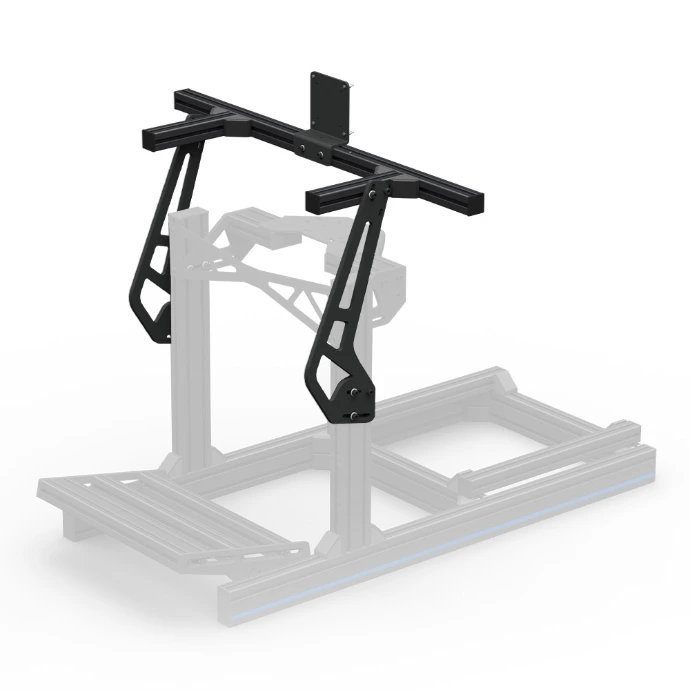
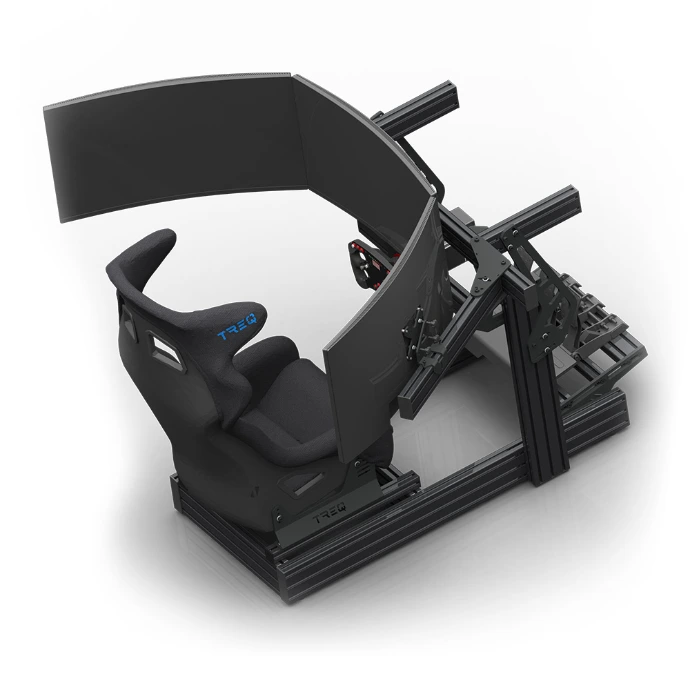
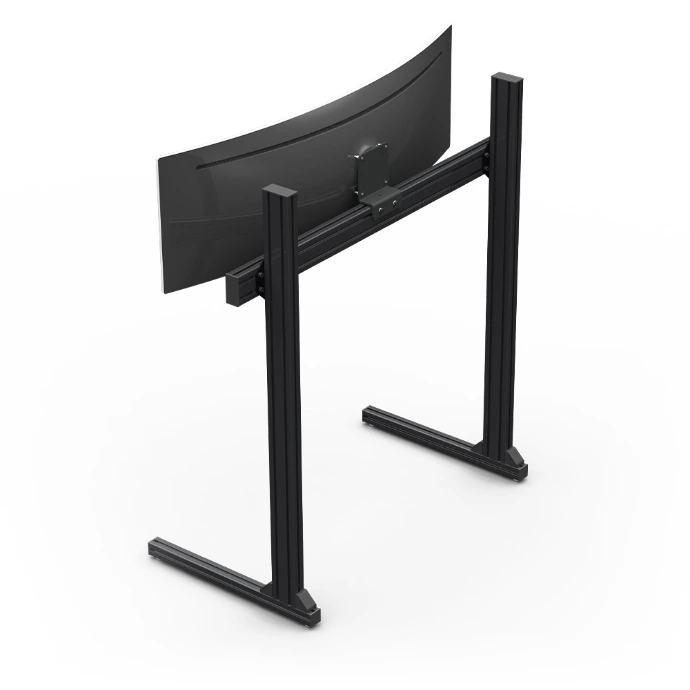
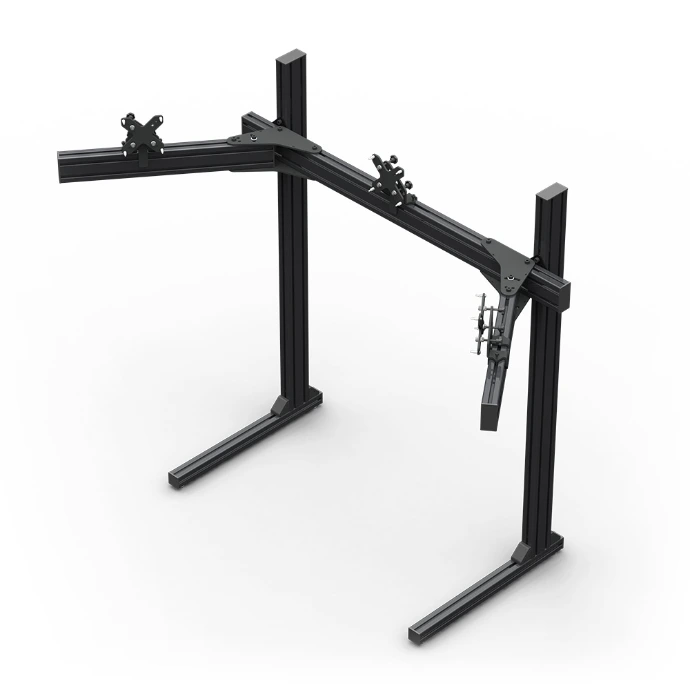
We offer the monitor mounts with two frame options: 4040 and 8040. The 4040 options are suitable for 23, 24 and 27 inch monitors. When you install bigger monitors, there is an increased chance the side-arms start to sag, making setup more difficult. For this, there are the 8040 frames. These feature bigger and stronger profiles, making you able to also install 32, 34-ultrawide or even 42 inch monitors.
Please note that all our monitors mounts only support VESA patten 75x75 or 100x100. Additionally you can add the extension bracket to go up to VESA 200x200, but always make sure your monitor supports this.
We offer the monitor mounts with a Standard VESA option, and an Easy Monitor Alignment Kit. With the Standard VESA, you have some adjustability to counter the sag of the side-arms, but not much more than that. With the Easy Alignment Kit, you can very easily fine tune the position of your monitors, while needing hardly any tools.
For single monitor setups, we always recommend just the Standard VESA, because the Easy Alignment Kit for one monitor is a bit overkill.
Yes! If you want a 4th (or a 2nd when you use an ultrawide) monitor on top, you can install the Upper Monitor Mount on top of both the Unified as well as the Free Standing monitor stands.
Yes! On both the Unified as well as the Free Standing Monitor mounts, the Computer Mount and the Cable Box can be installed. This really cleans up your cable management.
Monitors will shake a lot when using a motion rig. For this we recommend either the Free Standing monitor mount, or a custom build mount when you want the monitors to move with you. While the Unified Mounts are strong enough, the plastic casing of most monitors will vibrate on a motion rig, and usually need support at the edges of the casing to stop this from happening.
Both the single variants of the Unified and the Free Standing mounts can later be upgraded to a triple mount using the Single to Triple Upgrade Kit. If you know for sure that you will never upgrade to a triple monitor setup, and you do like the mount attached to the rig, have a look at our Basic Monitor Mount. A very cost effective solution to mount your monitor.